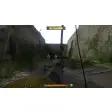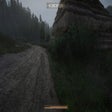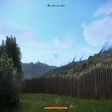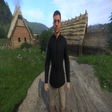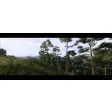
A free mod for Kingdom Come: Deliverance, by dragoncosmico.
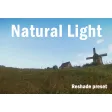
Natural Reshade is a utility that enables the user to see what's happening on the screen. It provides a view of the scene in 3D.
Top Recommended Alternative
It's a pretty useful tool for people that want to get a better idea of what's happening in the game. It can also be used by people who are playing the game and want to get a better idea of how the scene is developing.
Installation
First of all, you'll have to install the last version of Reshade.
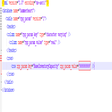
Secondly, you'll have to unzip the file into the game's executable folder.
Finally, you'll have to make sure that the game is started.
How to use
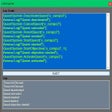
After you've done all of the above, the next thing you need to do is to open the game and click on the Home key for the Reshade overlay to show up.
After that, you'll have to enable the DisplayDepth shader.
Now, if you can see the left half of the screen in weird colors and the right half in greyscale then it already works, turn off DisplayDepth and enjoy.